🇺🇸English▾

Various setting methods

1. Open the settings screen.

2. Tap the area you want to change.
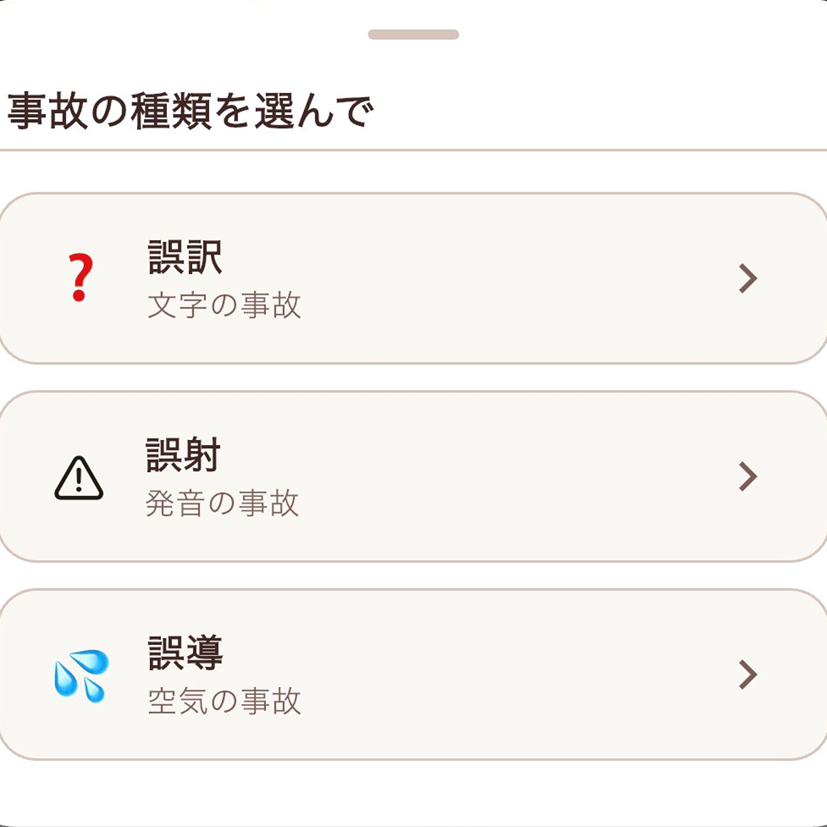
3. Change to new image and language.

1. Open the settings screen.

2. Enter your current password.

3. Enter a new password and change it.

1. Open the settings screen.

2. Scroll down to the operation settings.

3. Select your preferred notification sound.

Notification sound sample

sound-01 Chick's House

sound-02 A message from the sound of wings

sound-03 The breath of the seasons

sound-04 Little Singer

sound-05 Birds taking a bath

sound-06 Forest Mischief

sound-07 Squirrel standing by the water's edge

sound-08 Heartbeat that fell into the water's surface

sound-09 The Nightingale's Voice that Continues the Silence

sound-10 A sound that shakes the silence