

Leave it on the blackboard in 3 steps
1
Press and hold the message
(Tapping is also OK)
2
Touch "Send to blackboard"
3
Choose a blackboard
You can also write directly on the blackboard.
Add voice
You can record your voice (up to 30 seconds) on the spot and have it automatically converted into text. The text is generated on your smartphone, so your voice is never sent to a server.
Writing
You can choose the color, size, and placement, and write just like with chalk.
Attach a photo
You can paste multiple photos at once, and they'll be framed in a vintage style. You can also send them directly from the "Share" function in your photo app.
Lis Deco
You can add decorative frames to the four corners. You can also make them yourself.
You can customize the layout to your liking with columns, sorting, font size, tags, and search.
You can withdraw it anytime.Treasure Album
Funny typos and heartwarming messages.
Create your own personalized album to cherish these precious memories.
Let's create a one-of-a-kind blackboard.
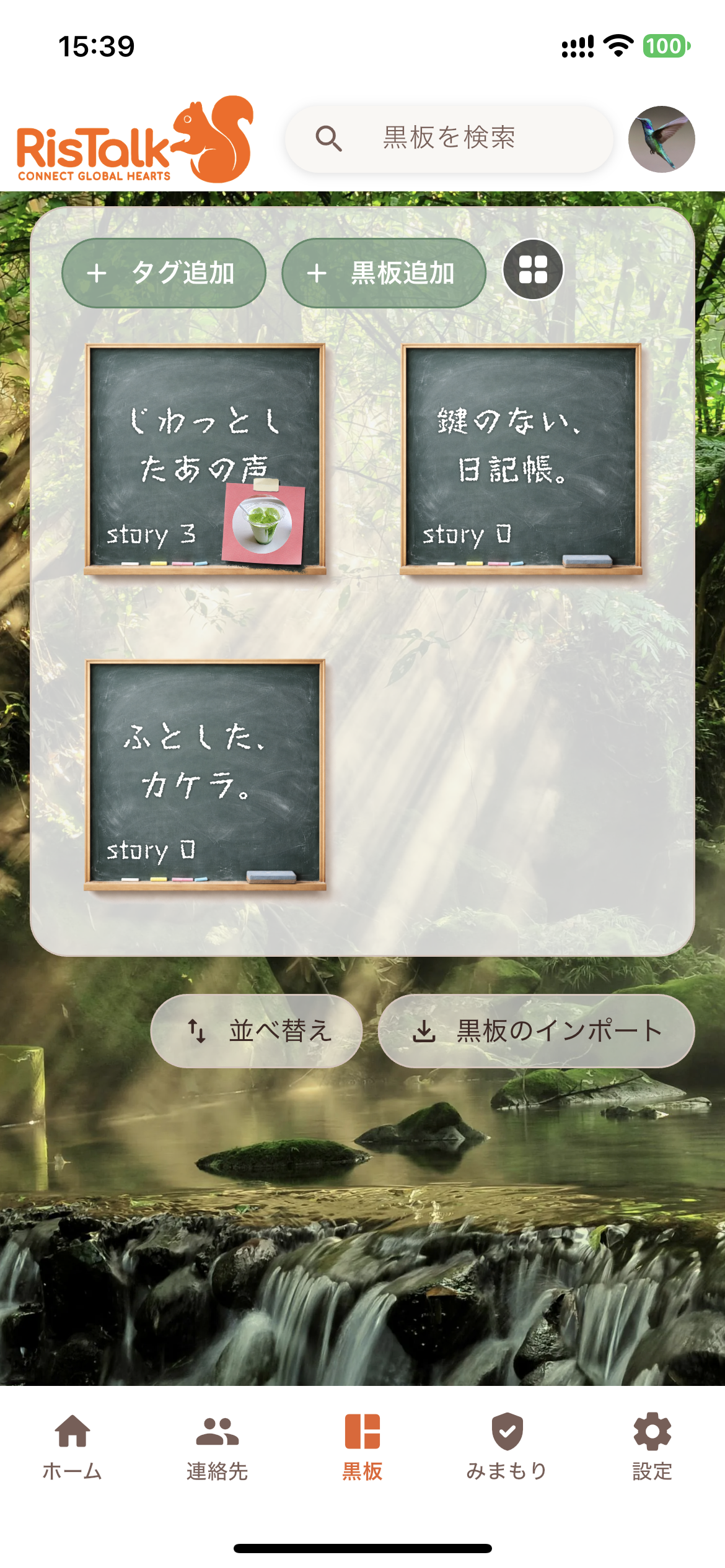
Blackboard Player: Play as a video and share on social media.
Touching "Video Playback/SNS Sharing" will play the blackboard content with music in your browser.
If you send the URL, people who don't have the app can also view it.
The URL disappears after 24 hours, so feel free to share it.
Three steps to giving a blackboard as a gift
1
Tap the blackboard
2
Touch "Export Blackboard"
3
Choose the person you want to give it to.
The recipient can open it with a single tap.
The things you want to keep are in your possession.
RisTalk messages disappear from the server once they reach the recipient.→ Reasons why you can use it with peace of mind). You can transfer only the words you want to keep to the blackboard, and they will be saved on your smartphone. They are also included in automatic backups, and you can take them with you when you change devices by selecting "Export Backup".